The better solution was not another CRM or another forecasting system. It was a simple visual layer inside NetSuite that makes the existing Opportunity Pipeline easier to maintain, understand and trust.
I have found that some of the best solutions I build are becoming smaller, not larger.
Not another platform. Not another process. Not another giant customization.
Just a carefully placed layer that makes the existing ERP easier for a human being to operate correctly.
I was reminded of that recently while working with a NetSuite client that wanted better visibility and discipline around its sales pipeline. NetSuite already had the pieces. Opportunities, Estimates, sales stages, probabilities, expected close dates, quotas and forecasting were all there.
The answer wasn't to replace any of them. The answer was to make them easier to use.
There is a tendency in ERP consulting to equate sophistication with size. More workflows. More scripts. More fields. More dashboards. More process.
Experience has pushed me in almost the opposite direction.
In this case, the salesperson didn't need a new CRM. Management didn't need another system sitting beside NetSuite with its own version of the sales pipeline.
What was needed was a better way to interact with what was already there.
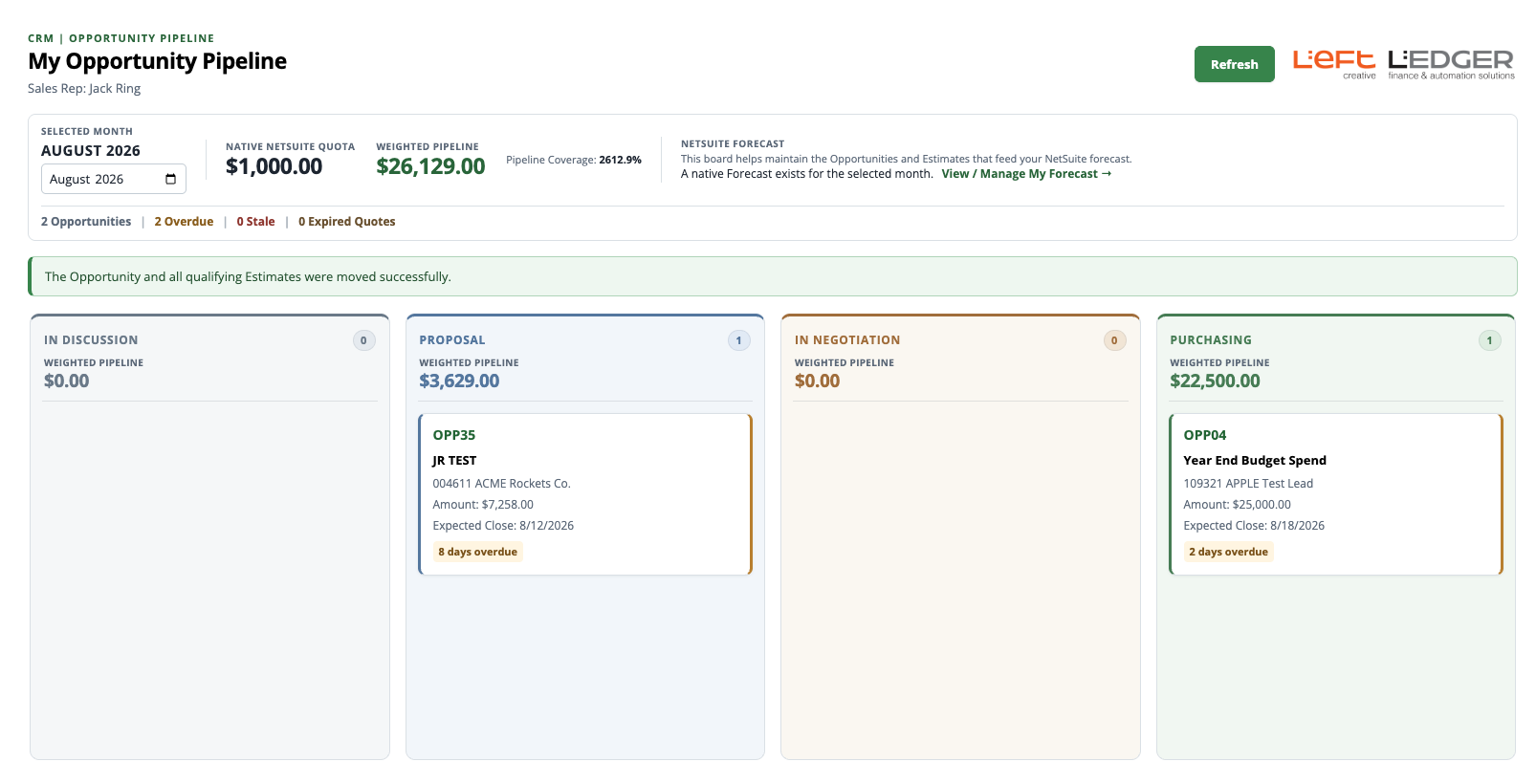
The application gives the salesperson one simple workspace to maintain the active pipeline. Opportunities can be moved visually between sales stages while the application keeps the underlying NetSuite records aligned.
At a glance, the salesperson can see what is moving, what is getting old, what needs attention and how the weighted pipeline stacks up against the month's sales quota.
The application brings together:
Opportunity and Estimate status, expected close dates, weighted pipeline, monthly quota and coverage, stale opportunities, expired quotes and access to NetSuite's native forecasting tools. Underneath that relatively simple interface, NetSuite remains NetSuite. That's important.

Once the visual pipeline was working, I could have kept going and built a custom forecasting application, but NetSuite already has forecasting.
The better solution was to improve the user experience where it needed help while leaving NetSuite to do what it already does well.
That is fit-for-purpose ERP design: the right amount of technology, in the right place, solving the right problem.
...
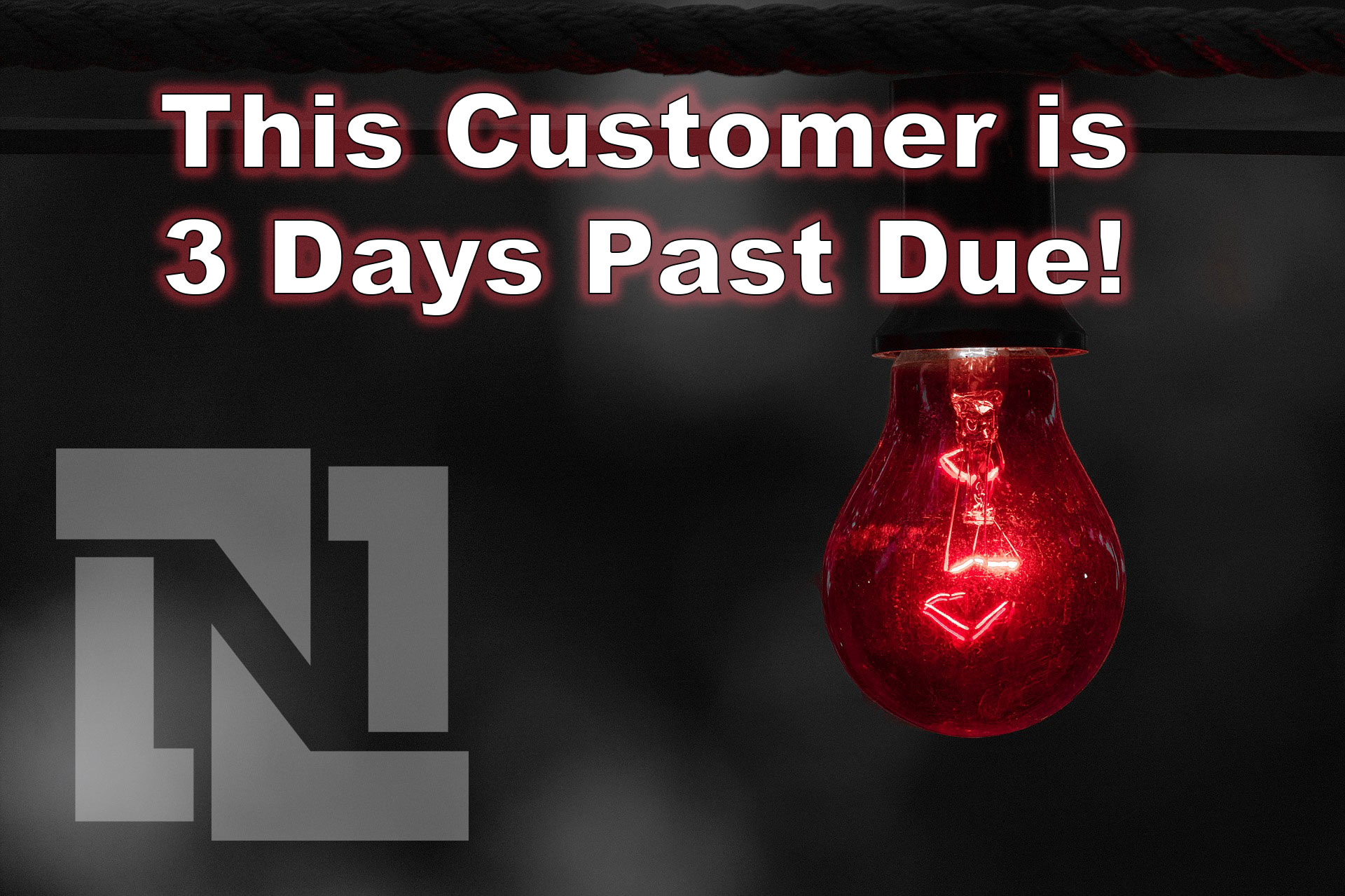
This article demonstrates how to create an elegant message banner across the top of the estimate form. This will display when there is an informative note about a customer. Another application may be used to trigger a banner to show when there is a past due amount.
This design pattern utilizes a client script, the SuiteScript message module and a custom body field on the customer record.
Effective inventory management lies at the heart of successful operations for any company dealing with goods and products. In a rapidly evolving business landscape, the ability to efficiently move inventory between different locations while maintaining accuracy and transparency is crucial. NetSuite, a leading cloud-based enterprise resource planning (ERP) system, offers a powerful solution through its Transfer Order functionality, enabling businesses to optimize their inventory management processes.